
EBM Supervisor
PRODUCT OVERVIEW
The EBM Supervisor, a feature-rich IoT software platform, powered by the Niagara Framework®, is used in server-class applications. It integrates a network of UNIX controllers, third-party devices, and internet protocols into a centralized platform, enabling facility managers to supervise HVAC, lighting, security, and life safety systems across multiple buildings, optimize performance, and respond quickly to issues at the enterprise level. EBM Supervisor allows the networking of UNIX-9000 and UNIX-8000 controllers along with other IP-based controllers and field devices.
It offers real-time graphical information to standard web-browser clients and server-level functions such as analytics, centralized data logging/trending, archiving to external databases, alarming, dashboarding, system navigation, master scheduling and database management. It allows integration with other enterprise software applications and provides a versatile graphical engineering toolset for application development and configuration.
Key Inspects

Centralized system management.
Single tool used to program UNIX controllers and Supervisor.
Quickly navigate to individual buildings using tags to diagnose problems.
Compare data between buildings.
Export system data to external databases.
Integrate BAS with other enterprise applications.
Integrate with other applications, such as work order management, analytics, etc.
Single tool used to program UNIX-9000, UNIX-8000 controllers and a supervisor.
Remotely back up UNIX to Supervisor.
Batch provisioning of UNIX firmware upgrades, security credentials, applications and commissioning options from Supervisor.
Tagging and templating features for better data organization, enhanced search functionality, and faster, more consistent system deployment.
Robust built-in analytic capabilities supported by standard Niagara Framework components and mathematical programming blocks to enable sophisticated analytic algorithms.
SysLog integration (monitoring of network devices)
FEATURES AND SPECIFICATIONS

Web Access
HTML5 and Java-enabled user interface (UI).
Includes a JavaScript data interface library (BajaScript).
Access to alarms, graphics, logs, schedules and configuration data with a standard web browser.

Alarming
Sophisticated alarm processing and routing, including e-mail alarm acknowledging.

Database Audit Trail
Track changes, storage, backup, global time functions, calendar, central scheduling, control and energy management routines

Users
Supports an unlimited number of users over the internet/intranet with a standard web browser (depending on the host PC resources)

Tagging
Tagging can be used to structure data, search data and prepare data for further analytics. Tags help find data quickly using the search function. It allows for quick navigation to individual buildings to diagnose issues.

Centralized Data Logging
All points can be added to a history database.
Interval and Change of Value (COV) algorithms are supported.
History data can be visualized in easy and intuitive way.

Documentation
HTML-based help system that includes comprehensive online system documentation

Connectivity
BACnet IP, Modbus IP, LON IP, MBUS, KNX IP, OPC and SNMP drivers supported by open point license.

Scripting/Logic
Freely programmed scripts and logic can be used to implement control and management functions on supervisor level.

Security
Follows industry best practices for cyber security features such as strong, hashed passwords, TLS for secure communications and certificate management tools for authentication.

Plant Controller Support
Supports multiple UNIX controllers connected to a local Ethernet network or the Internet.
Supports remote alarm and trend archive database back up of UNIX controllers.

Data Archival
Optional enterprise-level data archival (SQL, MySQL or Oracle databases and HTTP/HTML/XML, CSV or text formats)

Engineering
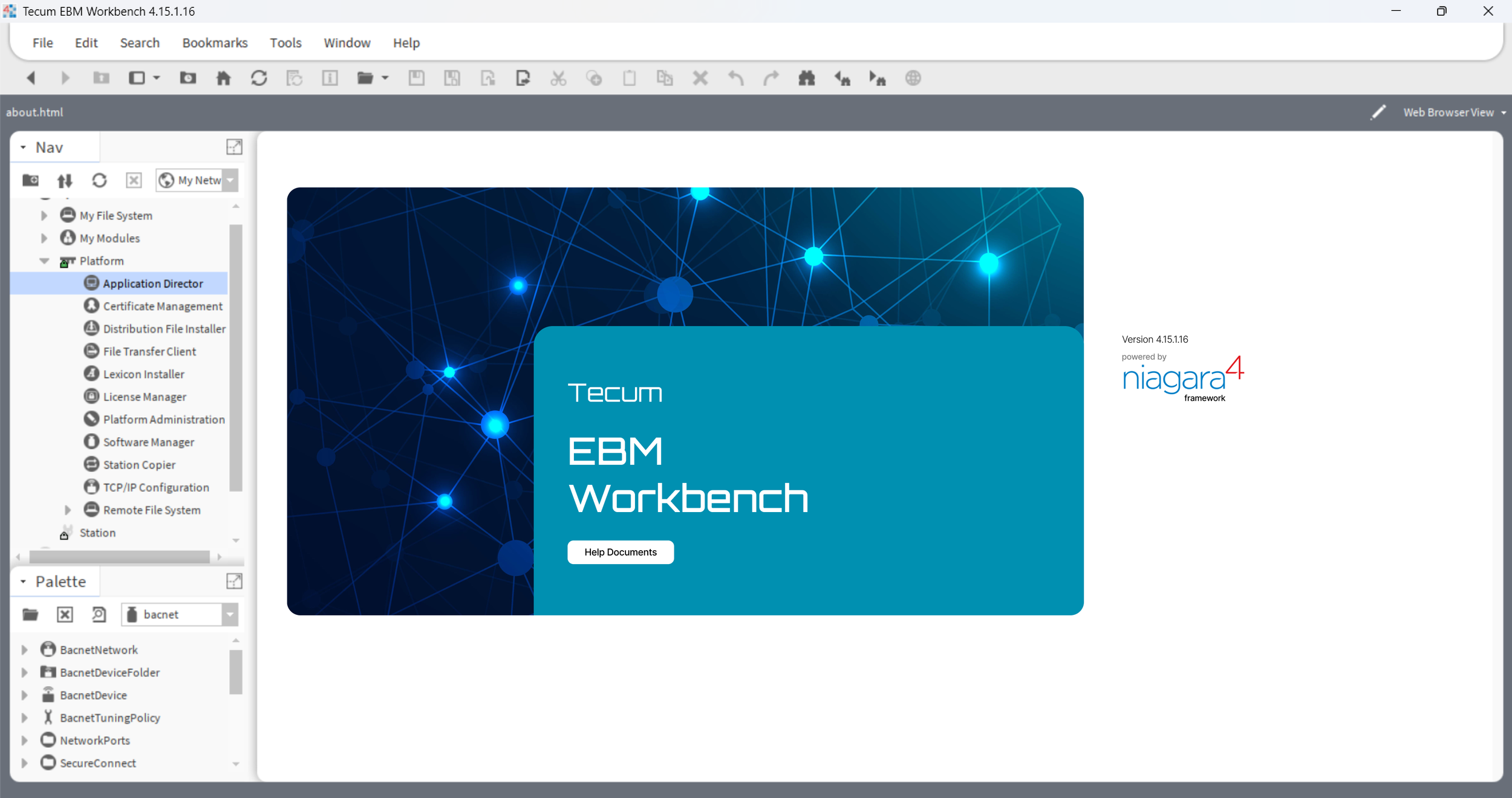
Provides online/offline use of the Niagara Framework® Workbench graphical configuration tool and a comprehensive Java Object Library.

Real Time Graphical Display
Free configurable HTML5 user interface. Supported by libraries and template functions for an efficient user interface engineering